


You see a competitor’s ad on Instagram. Then again on YouTube. You start to wonder.
What else are they advertising? What offers are they using? Are they spending a lot, or just a little? And should you be doing the same?
Most business owners assume this is secret information. It is not. Both Google and Meta (the company behind Facebook and Instagram) have free, public libraries where anyone can look at the ads a business is running. You do not need an account, and the business is not told that you looked.
This article shows you how to use them, step by step, and how to turn what you see into better ads of your own.
Why these libraries exist
Google and Meta made these libraries so that ads are more open. Anyone can check who is behind an ad and what else they are showing. It helps people spot fake or misleading ads, and it helps researchers and journalists.
For a business owner, it has a very practical use: it lets you learn from what others in your trade are doing, before you spend your own money.
The two libraries
1. Meta Ad Library — for Facebook and Instagram ads Address: facebook.com/ads/library
2. Google Ads Transparency Centre — for ads on Google Search, YouTube and other Google places Address: adstransparency.google.com
Both work on a phone or a computer. A computer is easier, because you can see more at once.
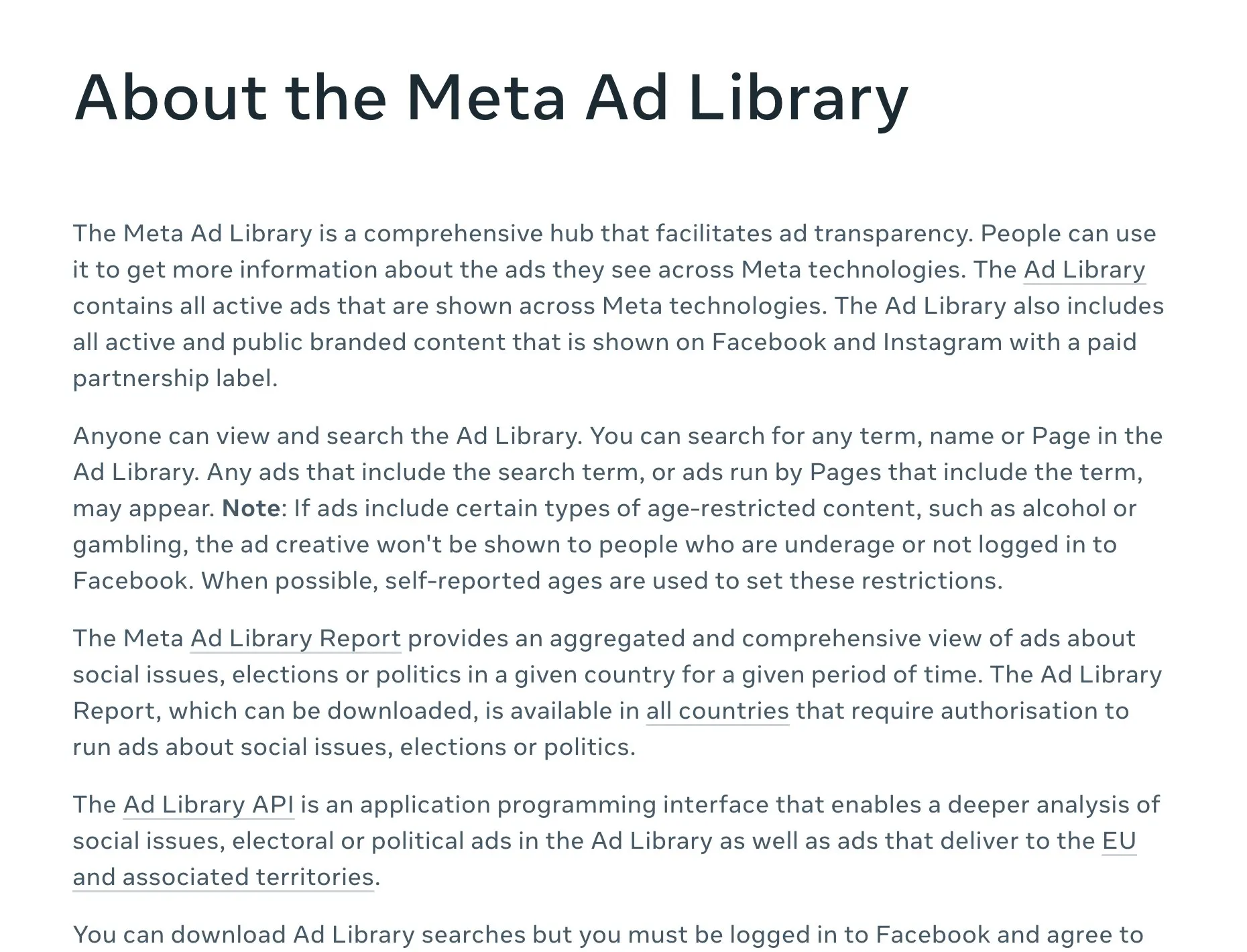
Meta’s own explanation: “Anyone can view and search the Ad Library.” Meta Business Help Centre, “About the Meta Ad Library”. Screenshot taken 23 October 2026.
Step 1 · Make a short list of competitors
Write down three to five businesses you compete with. Choose a mix:
- one or two big names in your trade;
- two or three local businesses in your own city, of a similar size to you.
If you are not sure who they are, search on Google for your service and your city, the way a customer would. The businesses you see at the top are a good start.
Step 2 · Look them up in the Meta Ad Library
- Open the Meta Ad Library.
- Choose your country (for example, India).
- Choose “All ads” as the type.
- Type the business’s name, and pick its page from the list.
You will now see the ads that page is running on Facebook and Instagram. For each ad you can usually see:
- the picture or video, and the words;
- when it started running;
- which Meta apps it appears on.
If a business shows no ads, that is useful too. It may mean they are not advertising there right now.
Step 3 · Look them up in Google’s Ads Transparency Centre
- Open the Ads Transparency Centre.
- Check the region is set to your country.
- Type the business’s name or its website address.
- Click on the advertiser.
You will see the ads Google has shown for that business. You can filter by format (text, image or video) and by date. Text ads here are usually search ads — the ones that show when someone types a search into Google.
Step 4 · Look for patterns, not single ads
One ad does not tell you much. Patterns do. Spend twenty minutes and note down:
- What do they offer? A free consultation? A discount? Free delivery? A guarantee?
- What words do they repeat? “Same-day”, “certified”, “near you”, “EMI available”?
- What pictures do they use? Products, happy customers, before-and-after, their team?
- Which ads keep running? In the Meta Ad Library you can see the start date. An ad that has been running for many weeks is often one that works for them. Businesses tend to switch off ads that don’t bring results. This is a clue, not a promise.
- What is missing? What questions do customers ask you that nobody answers in their ads?
That last point is often the most valuable. The gap is where your ad can stand out.
Step 5 · Turn what you learnt into your own plan
Now write down, in plain words:
- What everyone says. If every competitor says “best quality”, saying it too will not make you stand out.
- What only you can truthfully say. Maybe you are open on Sundays. Maybe you deliver the same day in your area. Maybe the owner personally checks every order. Real, specific things beat big words.
- One idea to test. For example, “a short video showing our workshop” or “a search ad that mentions Sunday appointments”.
What not to do
Please be careful here.
- Do not copy a competitor’s words, photos or videos. They own them. Copying can get your ads rejected and can cause legal trouble.
- Do not use a competitor’s brand name in your own ad text to pretend to be them. Google and Meta both have rules on trademarks.
- Do not assume they are winning. You can see their ads, but not their results. A business can run ads that lose money for months.
- Do not chase everything they do. Their customers, budget and goals may be very different from yours.
Use the libraries to understand your market, then make ads that are honestly yours.
A note for businesses outside India
Both libraries work in most countries. Just set the country or region to where your customers are. In some regions, such as the European Union, the libraries can show more details about some ads, because the law there asks for it.
Your checklist for this week
- List three to five competitors — a couple of big names and a few local ones.
- Look each one up in the Meta Ad Library and Google’s Ads Transparency Centre.
- Note the patterns: offers, repeated words, pictures, and long-running ads.
- Write down the gap: the question customers ask that nobody answers.
- Write one true, specific line about your business that a competitor cannot say.
- Plan one ad around that line — with your own words, photos and videos.
If you would like us to look at your competitors’ ads with you and plan your first campaign, message us on WhatsApp — we reply 24/7.
Sources
The official pages this guide is based on:


