


You opened an Instagram account for your business. You posted a few photos in the first week. Then you got busy, ran out of ideas, and the account went quiet.
Now every time you open the app, the same question comes back: “What should I even post?”
This happens to almost every small business owner. It is not because you are bad at social media. It is because nobody gave you a simple plan. This article gives you one.
Why your posts feel hard
Most business owners think Instagram needs something new and clever every day. So they wait for a great idea. The idea does not come, and nothing gets posted.
Here is what is really going on. Your customers do not follow you to be entertained like they would a film star. They follow you because they might buy from you one day. So they want simple things:
- What do you sell, or what do you do?
- What does it look like, and is it good?
- Who is behind it, and can they trust you?
- How do they contact you, and where are you?
If your posts keep answering these four questions, you will never run out of ideas. You do not need to be clever. You need to be clear and regular.
Step 1 · Fix your profile first
Before you post anything new, check your profile. This is the page people see when they tap your name. Many people decide in a few seconds whether to follow or message you.
Make sure it has:
- A clear name. Your business name, and if possible what you do — for example “[Your bakery] · Cakes in Udaipur”.
- A short bio. One line on what you offer, one line on where you are, and one line on how to order.
- A contact button. Instagram lets business and creator accounts (called “professional accounts”) show buttons for call, email or WhatsApp. Switch your account to professional in the settings — it is free.
- Your address or area, if customers visit you.
If your shop still uses a personal Instagram account, switch it to a professional account first. It is free, and it is what unlocks business tools such as insights and contact buttons. Instagram’s help centre shows the steps.
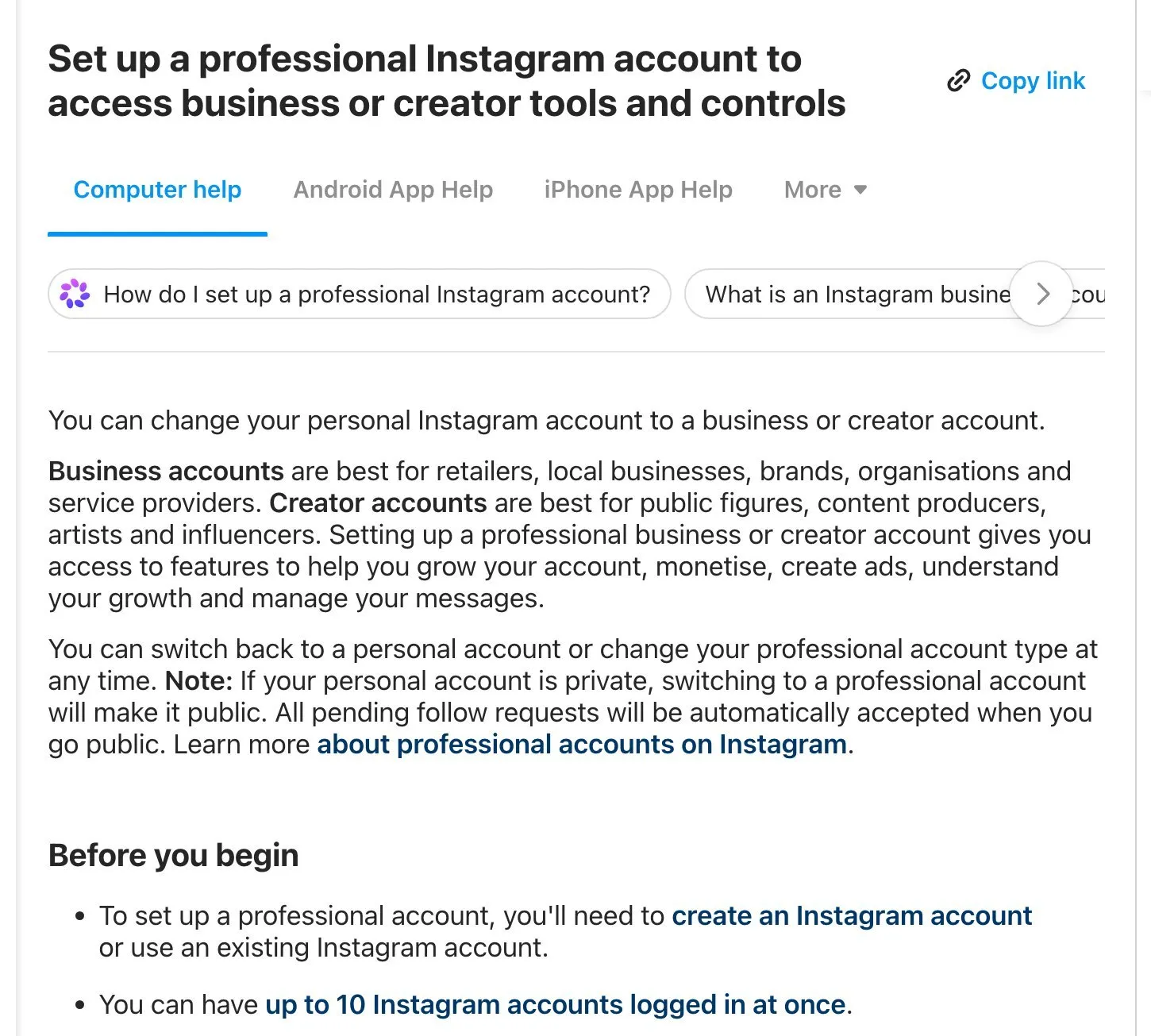
Instagram Help Centre, “Set up a professional Instagram account”. Screenshot taken 23 October 2026.
Step 2 · Use five simple kinds of post
Instead of inventing something new every day, rotate between five kinds of post. Each one answers a customer’s question.
- Show the product or service. A clear photo or short video of what you sell. One item per post. Say what it is and roughly what it is for.
- Show the work being done. A cake being decorated, a hair colour being mixed, a table being polished. People love to see how things are made. It also proves the work is yours.
- Answer a common question. Write down the questions customers ask you on the phone. Each one is a post. “Do you deliver outside the city?” “How long does a bridal booking take?”
- Show a happy customer’s result, with their permission. A finished room, a delivered order, a before-and-after. Always ask first, and never share someone’s face or details without a clear yes.
- Show the people behind the business. You, your team, your shop opening in the morning. People buy from people they feel they know.
Step 3 · Choose a rhythm you can keep
It is better to post three times a week for a year than every day for two weeks and then stop.
Pick days that suit you. For example:
- Monday — a product or service
- Wednesday — work being done, or a customer question
- Saturday — a customer result or a behind-the-scenes moment
Stories (the short posts that disappear after 24 hours) can be more casual. Use them for daily things: today’s fresh stock, a slot that just opened, a quick “we’re open”.
Step 4 · Take better photos with the phone you already have
You do not need a camera or a studio.
- Shoot near a window in daylight. Natural light makes almost everything look better.
- Clean the phone lens with a soft cloth before you start.
- Keep the background simple — a plain wall, a wooden table, a clean counter.
- Take several photos and post the best one.
- Use your own photos. Customers can tell when a picture is from the internet, and it makes them trust you less.
Step 5 · Write captions like you talk
The caption is the text under your post. Keep it short and useful:
- First line: what this is. “Our new eggless chocolate cake, made fresh every morning.”
- Middle: one useful detail. Size, time needed, what makes it different.
- Last line: what to do next. “Message us on WhatsApp to order for this weekend.”
Write in the language your customers speak. If your customers mix Hindi and English, so can you.
Hashtags (words with # in front) can help people find you, but only a little. Use a few that are specific — your city, your area, your type of business — rather than thirty general ones.
Step 6 · Look at what worked, once a month
Professional accounts get free numbers called Insights. They show how many people saw each post and how many took an action, such as visiting your profile or tapping your contact button.
Once a month, look at your posts and ask two questions:
- Which posts brought messages or calls? Make more like those.
- Which posts nobody responded to? Try a different angle next time.
Do not chase likes. A post with fewer likes that brings three real enquiries is worth more than a popular post that brings none.
Your checklist for this week
- Switch to a professional account and add a contact button.
- Rewrite your bio: what you offer, where you are, how to order.
- Write down ten questions customers often ask you. That is ten posts.
- Pick three posting days and put a reminder on your phone.
- Take ten photos of your products or work in daylight, with your own phone.
- Add a “how to order” line to the end of every caption.
If you would like help making a posting plan for your business, or want us to run it with you, message us on WhatsApp — we reply 24/7.
Sources
The official pages this guide is based on:


