


Many business owners have the same story.
They start running ads on Google or Facebook. Money leaves their account every month. A few people call, a few message on WhatsApp. But when you ask, “Are the ads working?”, nobody can give a clear answer.
So they either keep paying and hoping, or they stop and decide “ads don’t work for my business”.
Very often, the ads were never the real problem. The problem was that nobody was counting the results properly. This article explains, in plain words, what that means and how to fix it before you spend a single rupee.
Ads today mostly run themselves
When you run ads on Google, YouTube, Instagram or Facebook today, you do not choose every detail yourself. You set a budget and a goal, and the ad app decides much of the rest: who sees your ad, when, and on which screen.
It does this by learning. Every time someone does something good after seeing your ad — fills your form, calls you, buys something — the app notices. Then it looks for more people like them.
That is very powerful. But it has one big condition: the app can only learn from what you tell it.
- If you tell it nothing, it guesses — with your money.
- If you tell it the wrong thing, it gets very good at the wrong thing.
- If you tell it the right thing, it gets better and cheaper over time.
So the first job is not making the ad. It is deciding what to count, and setting up the counting.
Step 1 · Decide what a “good result” is for you
Sit down for ten minutes and write down what actually brings money into your business. For example:
- someone buys on your website;
- someone fills your enquiry form;
- someone calls you;
- someone starts a WhatsApp chat from your ad;
- someone books an appointment.
Now choose the one or two that matter most. These become your main goals. Tell the ad app to aim for those — not for “visits” or “likes”, which are easy to get and rarely pay your bills.
Why it matters. Take a shop selling handmade leather bags. If it tells Facebook that a “good result” is a website visit, Facebook will find lots of people who click and leave. If it says a good result is a purchase, Facebook will look for people who actually buy. Same budget, very different outcome.
Step 2 · Put the counters on your website
To count those results, small pieces of code are added to your website. Think of them as counters at your shop door.
- Google’s counter (called the Google tag) counts results for Google and YouTube ads.
- Facebook and Instagram’s counter (called the Meta Pixel) counts results for Meta ads.
Whoever builds or manages your website can add both. If you use Shopify, there is a simple built-in way to connect them.
Then — and this is the step people forget — test them. Fill your own form. Make a small test purchase. Tap your own WhatsApp button. Then check that each one was counted once. Not zero times. Not twice.
Google Analytics calls these important actions key events — for example, someone reaching your “thank you” page after sending an enquiry. Google’s own tutorial shows how to mark one.
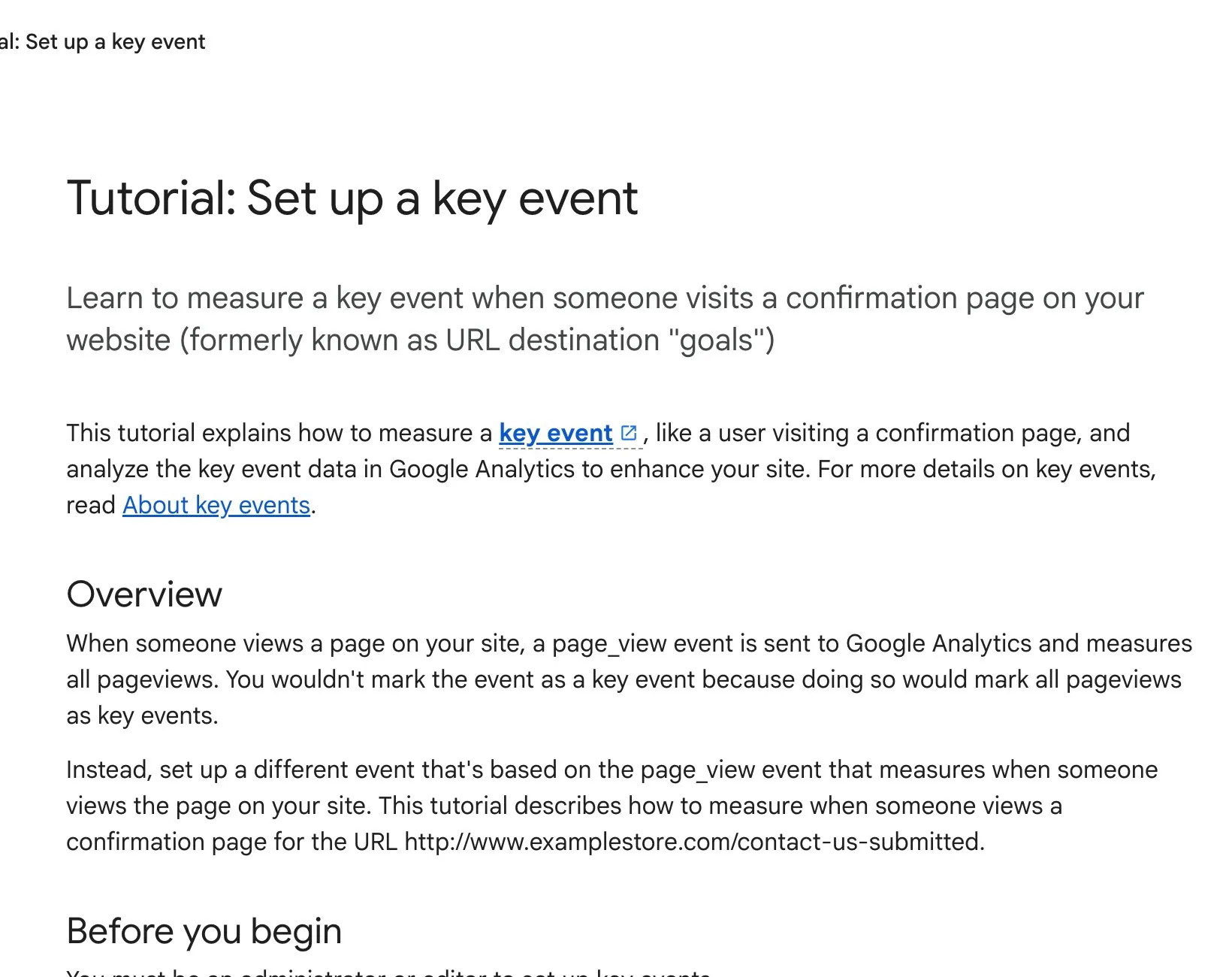
Google Analytics Help, “Tutorial: Set up a key event”. Screenshot taken 23 October 2026.
Step 3 · Add a backup counter
Some visitors’ phones and browsers block these counters, for privacy reasons. That means some of your real results are never counted — and the ad app learns less than it should.
Both Google and Facebook now offer a backup way to send results, straight from your website system rather than from the visitor’s browser. Shopify and most modern website platforms support it through their official settings. Ask your website person to switch it on. You do not need to understand the details; you only need to make sure it is done and tested.
Step 4 · Count the sales that happen on WhatsApp and the phone
In India, many sales do not happen on the website at all. A customer sees your ad, sends a WhatsApp message, asks three questions, and buys a week later.
If the ad app never hears about that sale, it thinks the ad failed.
The fix is simple to start:
- Keep a list — even a simple spreadsheet — of which chats and calls came from ads, and which of them became customers.
- Every week or two, give that information back to Google and Facebook. Both have a way to upload it.
Once they can see which chats turn into real customers, they start finding more people like your real buyers — not just more people who tap a button.
Step 5 · Ask permission, and say so clearly
These counters collect information about your visitors. India’s data protection law (the Digital Personal Data Protection Act, 2023) says people should be told clearly what is collected and why, and should be asked for consent.
In simple terms:
- Have a clear privacy notice on your website that explains what you collect and why.
- Ask visitors for permission before advertising counters run.
- If you advertise to people in other countries, check their rules too — Europe, for example, has strict ones.
Please take advice from a qualified professional on what applies to your business. This article is a guide, not legal advice.
Step 6 · Check the numbers against real life
Google, Facebook and your website reports will almost never show exactly the same numbers. They count in slightly different ways. That is normal.
What matters is this: do the numbers match what actually happened in your business?
If the dashboard says 40 enquiries this month but your team only spoke to 12 real customers, the dashboard is telling you something is wrong with the counting — not that your ads are a success. Look at the trend over weeks, not one day’s number.
Your checklist before the first rupee
- Write down the one or two results that really bring you money.
- Add Google’s and Facebook’s counters to your website — and test each one with your own form, purchase or WhatsApp tap.
- Switch on the backup counter through your website platform’s official settings.
- Start a simple list of which WhatsApp chats and calls became customers.
- Put up a clear privacy notice and ask visitors for permission.
- Only then start spending — and compare the reports with real life every week.
It takes a little time at the start. But it is the difference between ads that quietly waste money and ads that get better every month. If you would like us to set it up or check what you already have, message us on WhatsApp — we reply 24/7.
Sources
The official pages this guide is based on:


