


You have probably noticed that apps like Instagram, Facebook and YouTube now show lots of short, upright videos. On Instagram and Facebook they are called Reels. On YouTube they are called Shorts.
Maybe someone told you, “You should be making Reels.” And you thought: I don’t know how to make videos. I don’t have time. I don’t want to dance or show my face.
Good news: you don’t have to do any of that. This article gives you a simple plan to make useful short videos with the phone in your pocket.
What is really going on
Short videos are shown to people who don’t follow you yet. The apps try them out with a small group of viewers. If people watch them, the app shows them to more people. That is why short videos can help a small business reach new customers without paying for ads.
But this does not mean you need to go “viral” (be seen by huge numbers of people). For a local business, a video seen by a few hundred people in your own city can be worth more than one seen by a million people far away.
What helps a video do well is simple:
- It is useful or interesting to the people you want to reach.
- The first few seconds make people want to keep watching.
- It is clear — people can see and hear what is happening.
Expensive cameras, fancy effects and trending dances are not on that list.
Step 1 · Decide what your videos will show
Most good business videos fall into a few simple types. Pick two or three that suit you.
- How it’s made. Stitching a kurta, decorating a cake, fixing a phone screen.
- Before and after. A dirty sofa cleaned, a room painted, a garden trimmed.
- A quick tip. “How to keep your leather bag soft.” “Three things to check before buying a used bike.”
- Answer a question. Read out a question a customer asked and answer it in under a minute.
- A tour. Walk through your shop, show new stock, or show your workspace.
You don’t have to be on camera. Many good videos show only hands and the work.
Step 2 · Set up your phone properly
A few small things make a big difference:
- Hold the phone upright (portrait). Reels and Shorts fill the whole phone screen this way.
- Clean the lens with a soft cloth.
- Face the light. Stand so a window or daylight is in front of you or your work, not behind it.
- Keep the phone steady. Lean it against something, or use a cheap phone stand.
- Get close to the sound. If you are speaking, stay near the phone and away from traffic or fans. A small clip-on microphone helps if you speak a lot.
Step 3 · Plan the first three seconds
People decide very quickly whether to keep watching. So start with the most interesting part, not with “Hello everyone, welcome to my page”.
Good openings:
- Show the finished result first, then show how you got there.
- Say the question out loud: “Why does your cake sink in the middle?”
- Put a short line of text on screen saying what the video is about.
Then keep it short. For most business videos, fifteen to forty-five seconds is plenty. If you can say it in twenty seconds, don’t stretch it to sixty.
Step 4 · Edit simply, inside the app
You don’t need separate editing software to start. Instagram and YouTube both let you trim clips, add text and add music inside the app.
Keep editing light:
- Cut out the slow parts at the start and the end.
- Add text on screen, because many people watch with the sound off.
- If you use music, use the music offered inside the app. Using other songs can get your video muted or removed for copyright.
Step 5 · Shoot in batches
The hardest part is doing it every week. The fix is to batch.
Pick one hour, once a week, when the light is good and the shop is quiet. Shoot four or five short videos in that hour. Then post them across the week.
Keep a running list on your phone of video ideas. Every time a customer asks a question, add it to the list.
Step 6 · Post in more than one place
One video can usually go on more than one app:
- Post it as a Reel on Instagram. You can choose to share it to Facebook too.
- Upload the same video as a Short on YouTube.
Before you upload to another app, save the version without another app’s watermark (the logo stamped on the video). Each app prefers videos made for it, not copies with a rival’s logo on top.
Always write a clear caption with what the video shows and how to contact you.
After a month, look at the numbers Instagram already gives you for free. Insights show how many people watched each reel and what they did next. Make more of the kind that worked; drop the kind that did not.
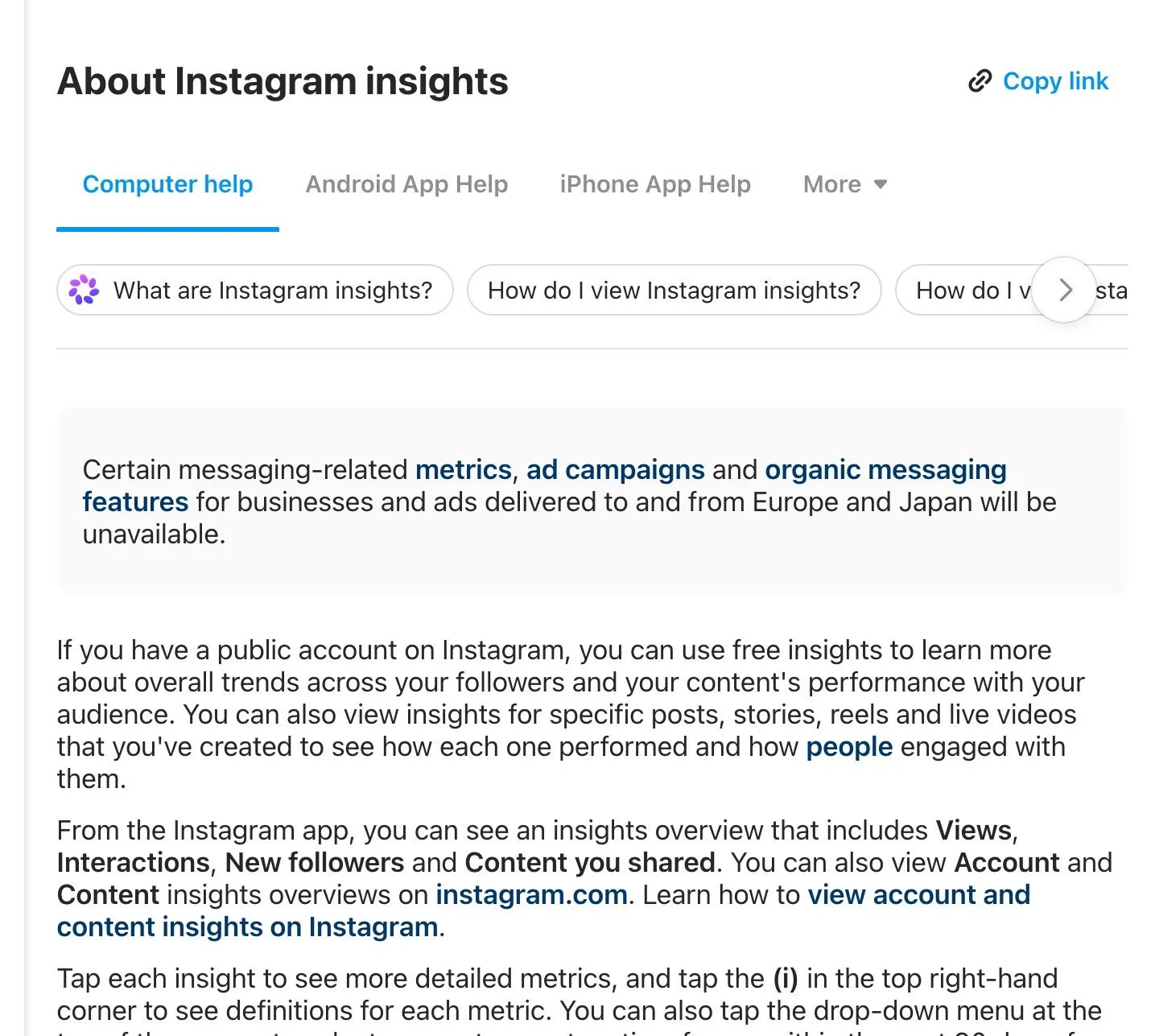
Instagram Help Centre, “About Instagram insights”. Screenshot taken 23 October 2026.
Your checklist for this week
- Choose two video types from Step 1 that suit your business.
- Write ten video ideas on a list in your phone.
- Set up a spot with good daylight and a steady place for the phone.
- Block one hour this week and shoot four short videos.
- Start each video with the result, and add a line of text on screen.
- Post them as Reels and Shorts across the week, with a clear way to contact you.
If you would like help planning or shooting short videos for your business, message us on WhatsApp — we reply 24/7.
Sources
The official pages this guide is based on:


