


“What should I write on my website?”
Almost every business owner asks this at some point. They know they should add helpful pages or articles. But when they sit down to write, their mind goes blank. Or they search for ideas online and end up writing about general topics that thousands of other websites already cover.
Here is a simpler way. The best ideas for your website are already arriving every day — on your phone, on WhatsApp, and across your counter. They are your customers’ questions.
Why customer questions work so well
When people need something, they very often type a question into Google. “How do I choose a dentist?” “Which fabric is best for summer kurtas?” “How long does a car service take?”
Look at almost any Google results page and you will often see a box called “People also ask”. It lists more questions that other people searched for on the same topic. Google shows it because so many searches are really questions.
Now think about your own business. The questions customers ask you are very likely the same questions other people are typing into Google before they ever find you. If your website answers them clearly, you give Google a good reason to show your page — and you give the reader a good reason to trust you.
There is one more reason this works. When you answer from your own daily experience, you add details that a general article cannot: what you see go wrong, what you would advise, what local customers usually prefer. Google says it looks for content that shows first-hand experience. Your everyday answers are exactly that.
Google’s own advice points the same way. Its guide on helpful content asks website owners to check whether a page gives a full, useful answer to the people who come to it — not whether it was written to please a search engine.
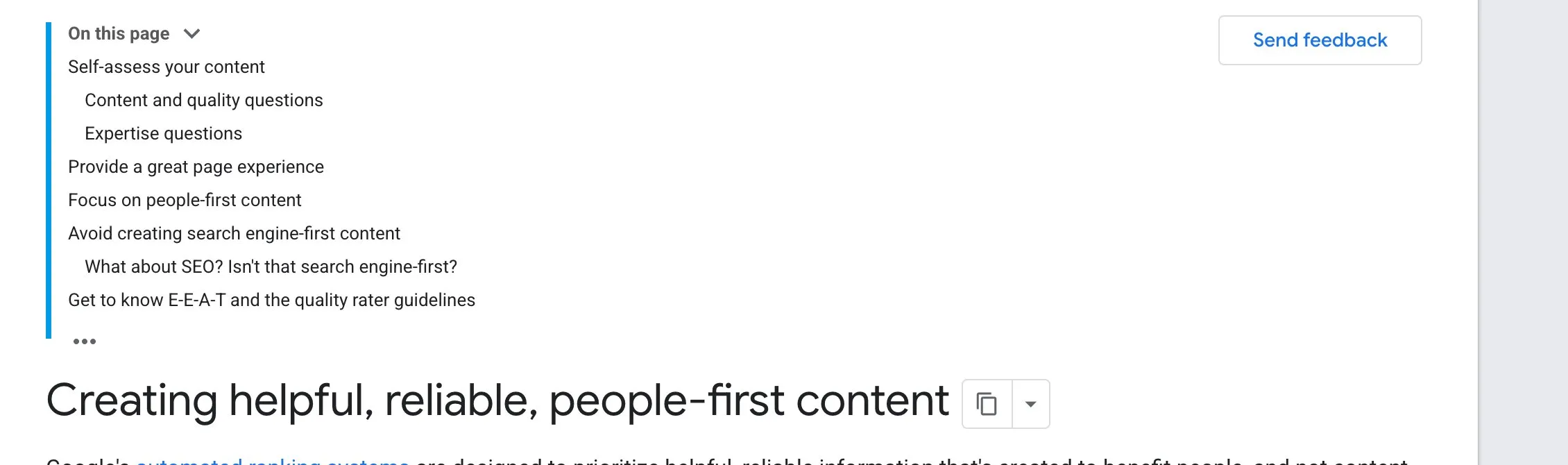
Google’s guide “Creating helpful, reliable, people-first content” (Google Search Central). Screenshot taken 23 October 2026.
Step 1 · Start a question list today
Make a simple list. A notebook, a note on your phone or a shared spreadsheet is fine. Every time a customer asks a question, write it down — in their words, not yours.
Ask your team to do the same. The person who answers the phone or WhatsApp usually hears the most questions.
Also look at:
- your old WhatsApp chats and emails;
- questions in your Google reviews;
- the “People also ask” box when you search for your own service and city.
After two weeks, most businesses have thirty or more questions. Many will repeat. The ones that repeat most are the most important.
Step 2 · Group the questions
Sort your list into small groups. For example, a dental clinic might have:
- questions about cost and payment;
- questions about pain and fear;
- questions about time — how many visits, how long;
- questions about choosing — what to look for in a clinic.
Small, simple questions can go together on your service page as short answers. Bigger questions — the ones that need a proper explanation — can each become their own page or article.
Step 3 · Answer first, explain after
When you write the page, put the answer at the very top. Do not make people read three paragraphs of introduction first.
For example, if the question is “How long do braces take?”, the first lines might be: “For most people, braces take about one to two years. The exact time depends on how much the teeth need to move. Your dentist can give you a closer idea after the first check-up.”
Then add the detail below: what changes the time, what happens at each stage, what the patient can do to help.
Only write what you know to be true. If the honest answer is “it depends”, say what it depends on.
Step 4 · Use the customer’s words in the heading
Use the question itself, or something close to it, as the heading of the page. People search with everyday words — “how much does it cost”, not “pricing structure”. If your heading matches how they ask, they will recognise straight away that the page is for them.
Step 5 · Add what only you know
This is the part that makes your page different from every other page on the same topic. Add:
- a short example from your daily work (without any customer’s private details);
- a common mistake you see and how to avoid it;
- something specific to your city or your customers — the weather, the season, local habits.
This is where your experience shows. It is also what makes people trust you enough to get in touch.
Step 6 · Link it to the right service page
At the end of each answer page, add a short line pointing to the service it relates to, and a simple way to contact you. Someone who has just read a helpful answer is often ready for the next step.
Step 7 · Keep the list going
Add one or two new answers every month. Look at your list again every few months. Update old answers when something changes — a new treatment, new prices, a new rule. A website that is quietly kept up to date is far more useful than one that was written once and forgotten.
Your checklist for this week
- Start a question list — notebook, phone note or spreadsheet.
- Ask your team to add every question they hear on calls, WhatsApp and at the counter.
- Search for your service and city on Google and note the “People also ask” questions.
- Pick the three questions you hear most often.
- Write one clear answer for the first one: answer at the top, detail and your own experience below.
- Add a link to the right service page and a WhatsApp button at the end.
If you would like help turning your customers’ questions into pages, message us on WhatsApp — we reply 24/7.
Sources
The official pages this guide is based on:


